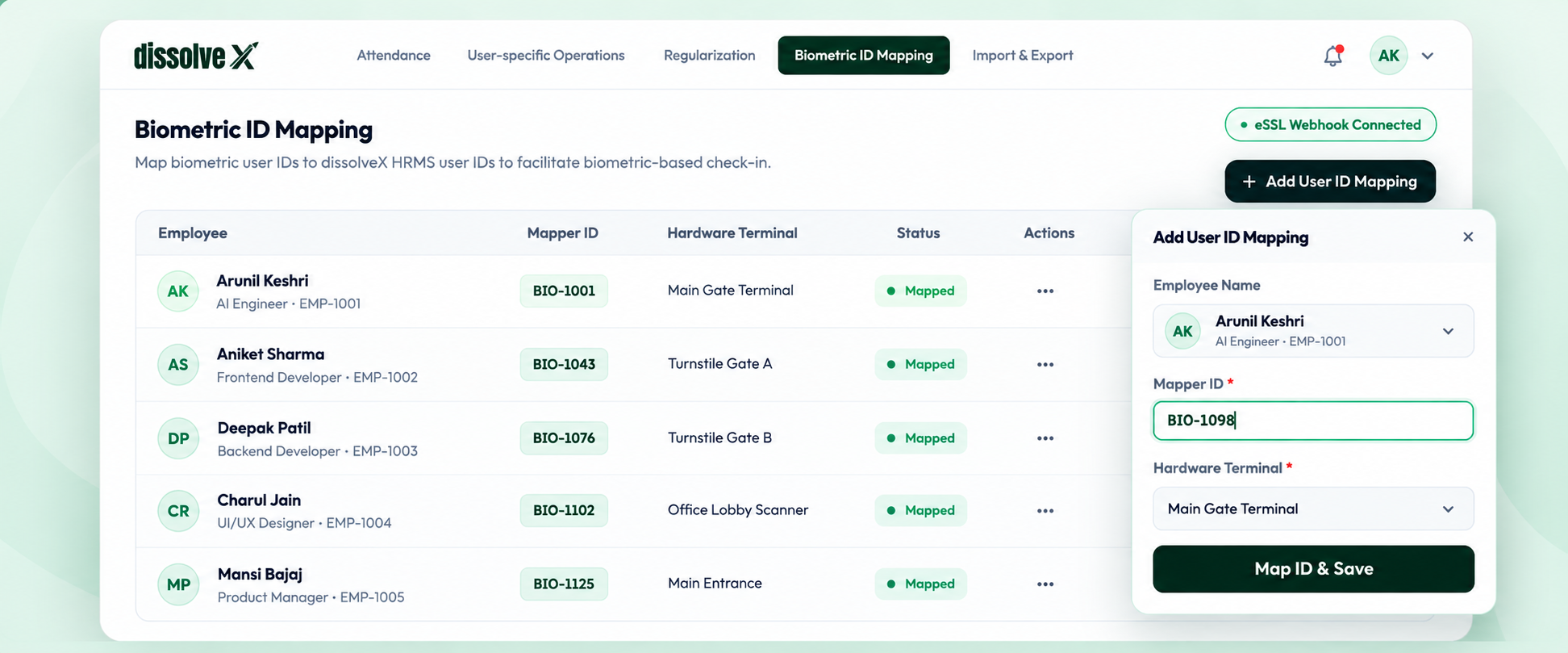
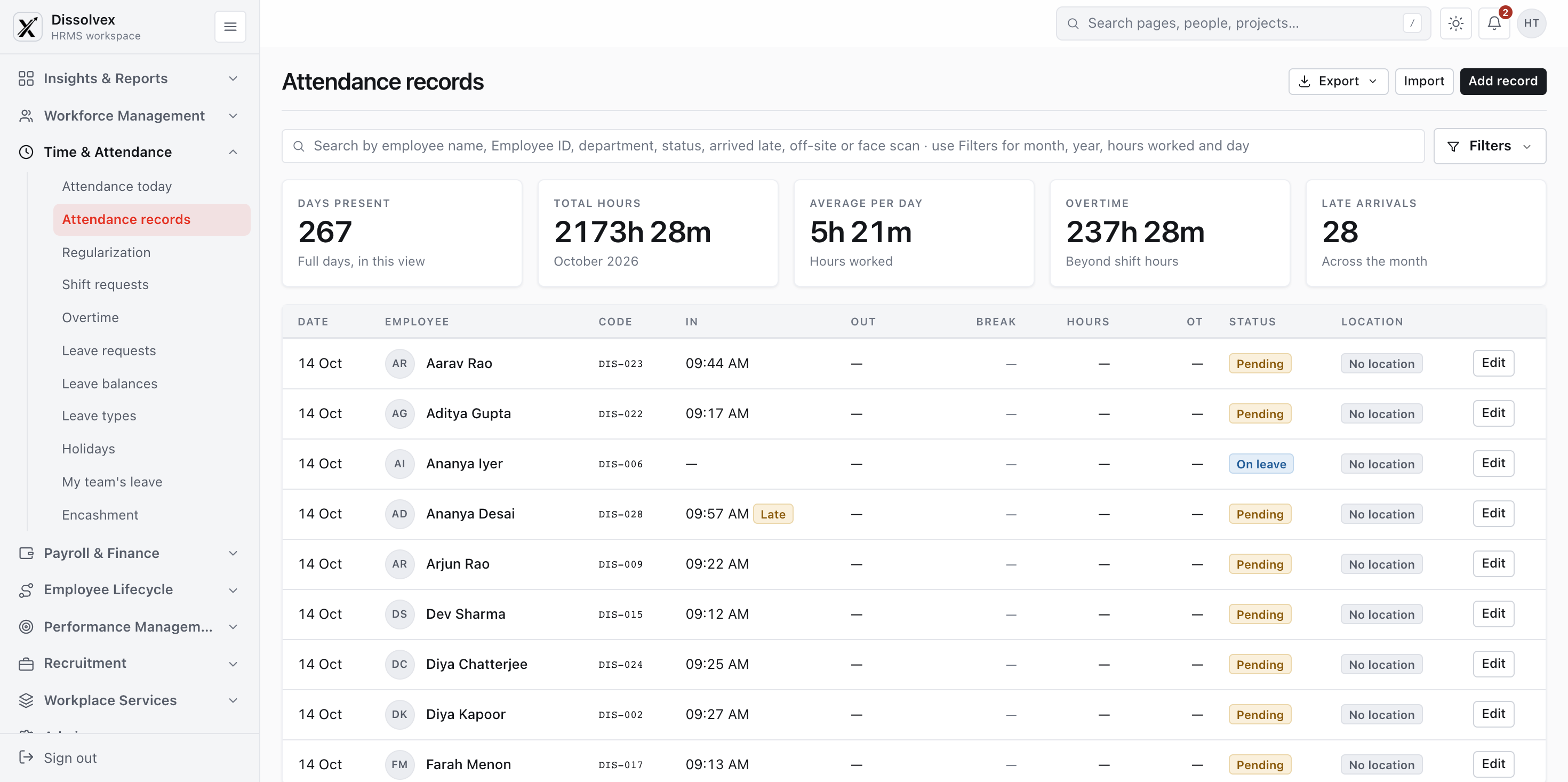
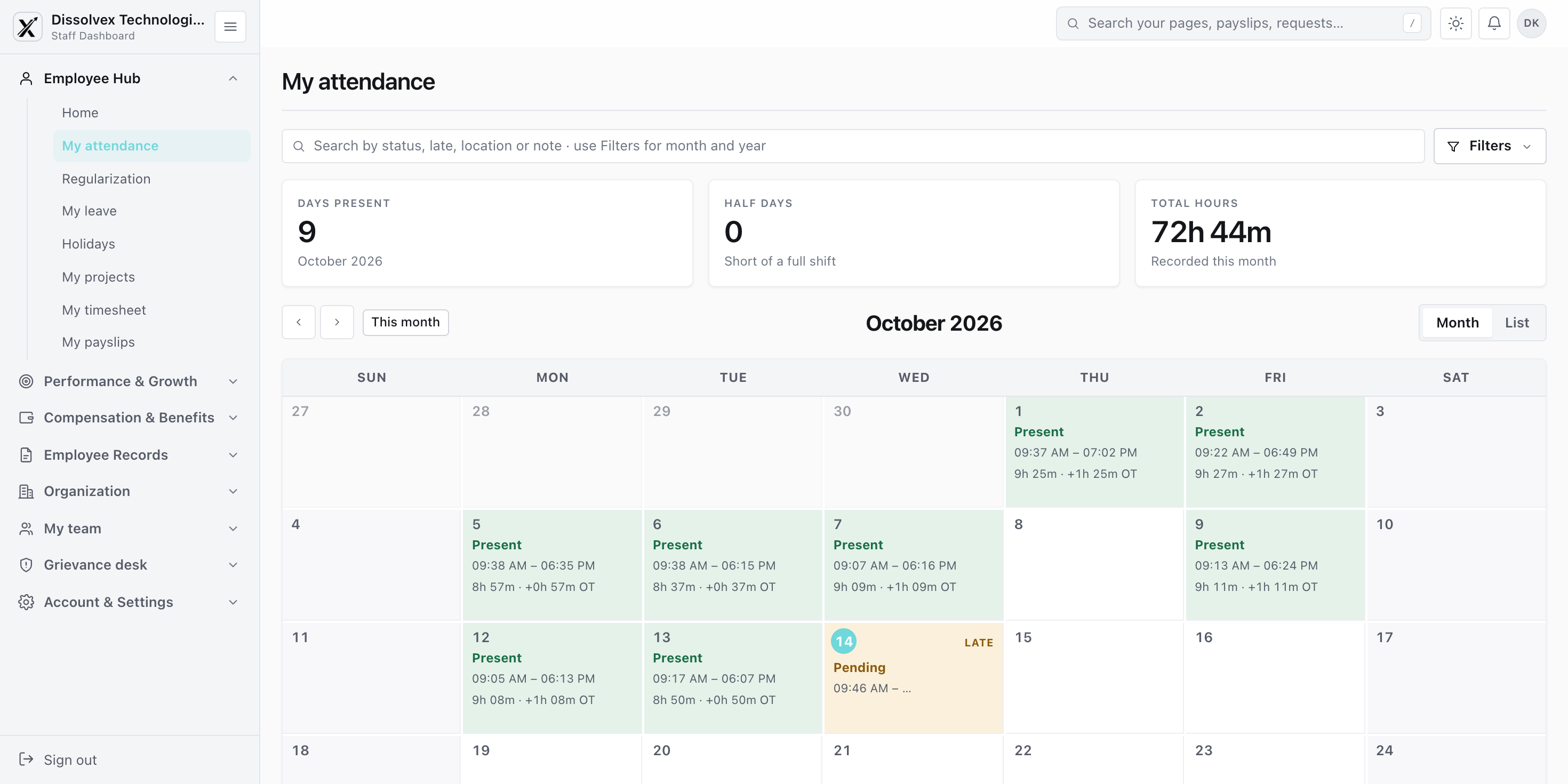
Record attendance across offices, remote sites, and client locations with location-aware mobile check-ins and connected biometric devices.
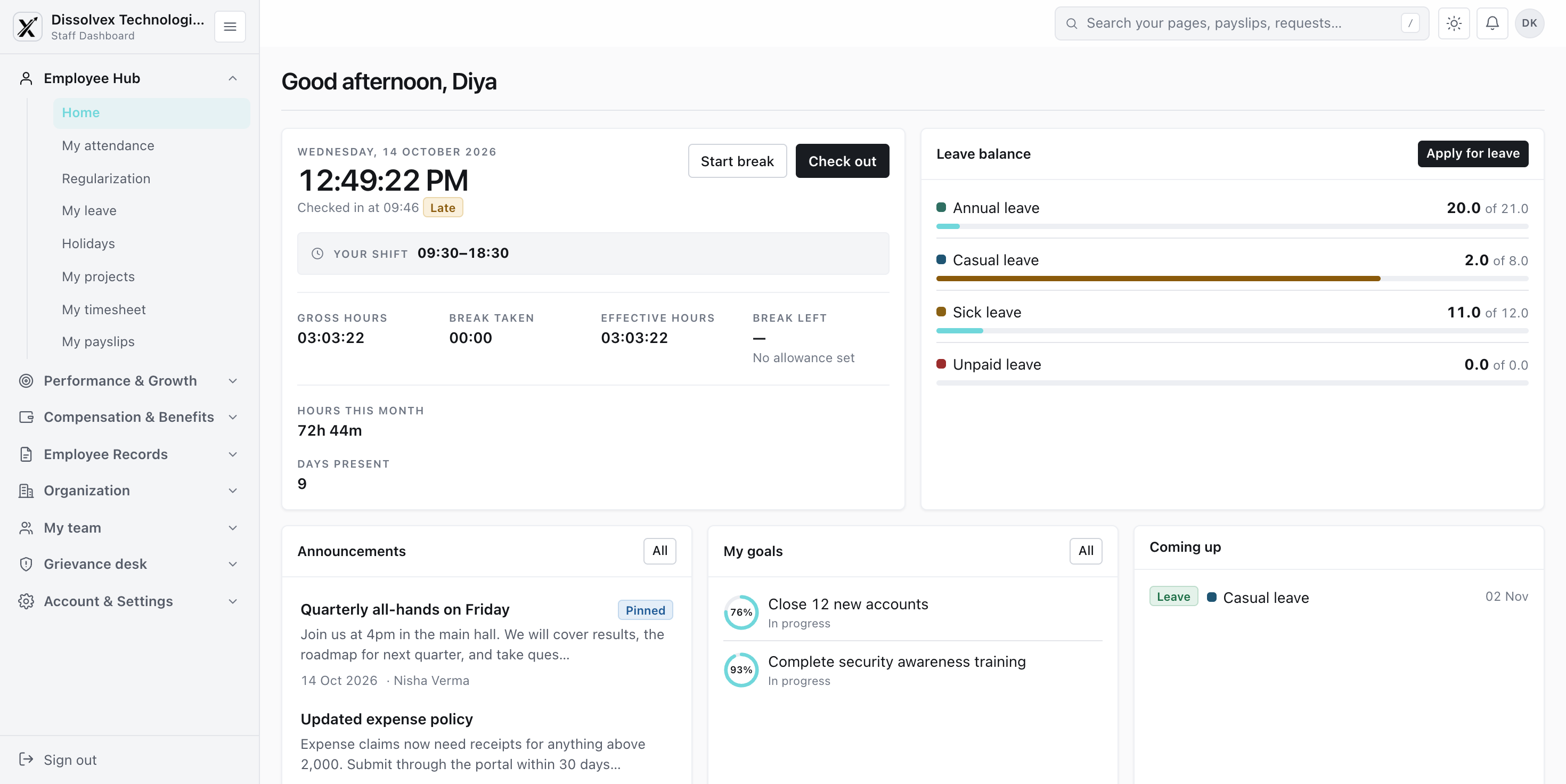
Define approved locations and networks for check-ins, then give managers a clear record of where and when attendance was marked.
Use Drasti AI for contactless check-ins at the workplace and match each capture to the employee profile.
Review late arrivals, shift coverage, payroll attendance, and muster rolls without piecing together separate exports.
Flexible rules and clear records help HR resolve exceptions and prepare attendance for payroll.
Choose grace periods, shift rules, and half-day policies that reflect how each team works.
Give employees and managers a clear way to correct a missed or inaccurate punch.
Use approved attendance to calculate relevant loss of pay, allowances, and overtime.
Common questions and answers regarding Attendance management in dissolveX HRMS.
How to connect & get started?
Login to your account →It records when and where employees check in, handles exceptions, and prepares attendance information for managers and payroll.
A consistent record makes it easier to review working time, resolve missing entries, and use approved attendance for payroll.
Teams can use location-aware mobile check-ins, facial verification, or connected biometric devices according to their setup.
Managers can review check-ins, exceptions, shift coverage, and attendance summaries in the same workflow.
Yes. The mobile check-in flow can use configured location rules so attendance is recorded where work takes place.
An incorrect or missing entry can be reviewed through the attendance regularization process before it is used for payroll.
Bring location-aware and biometric attendance into one dependable timekeeping workflow.
Our website and the HRMS use what they need to work, plus two optional settings. No analytics, no advertising, no tracking.
Turned off, the HRMS still works — it just goes back to your device's light or dark setting, and the sidebar opens each time.