GET STARTED
Welcome Guide
Choose your role to explore features tailored for you

- 01Services
- 02My details
- 03My workday
- 04Working hours
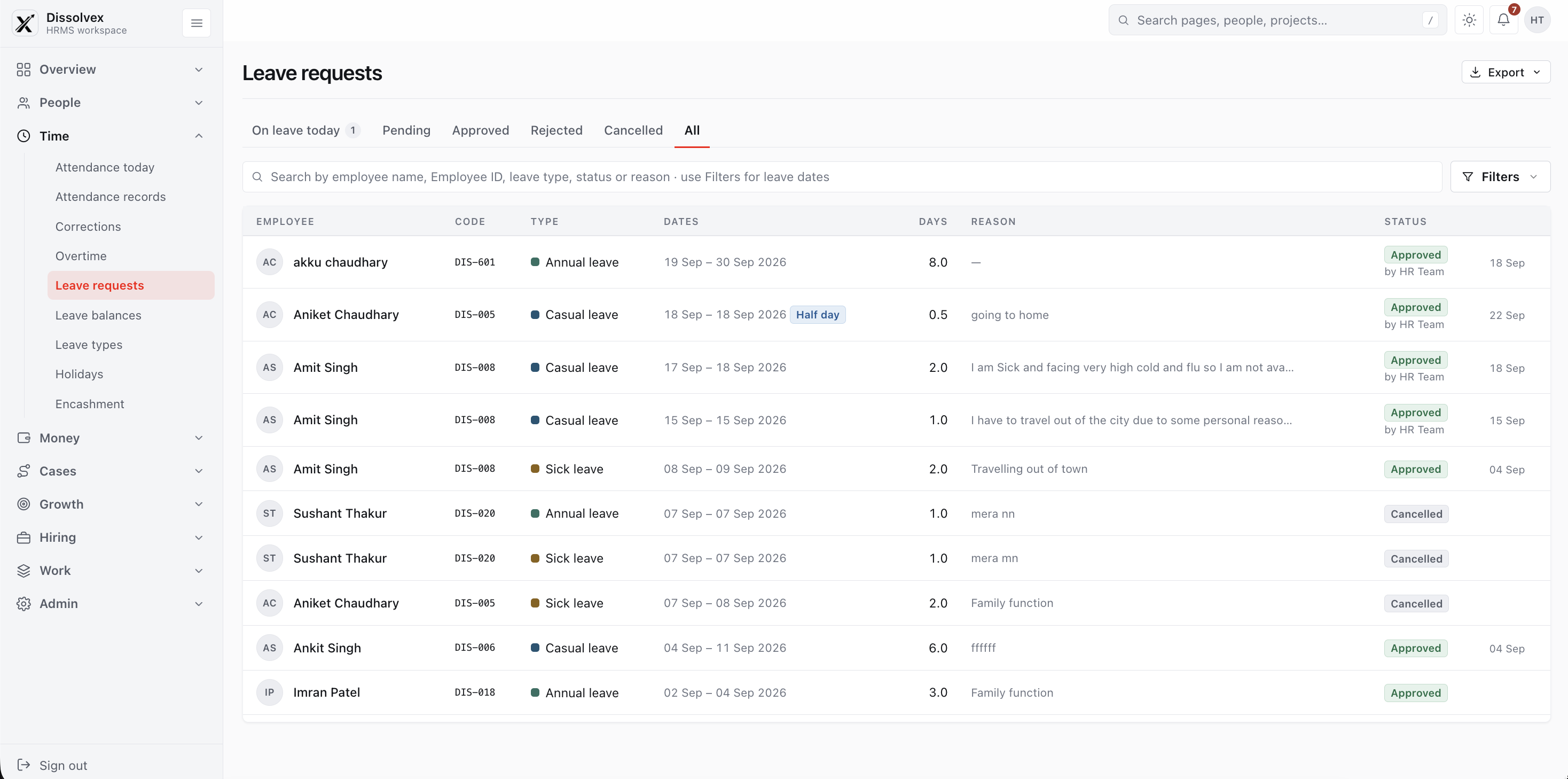
- 05Time away
- 06Project time
- 07Decision queue
- 08Ask HR
- 09Document shelf
- 10Growth conversations
- 11People directory
Work Smarter Everyday
- 01Workforce overview
- 02Workspace setup
- 03Employee registration
- 04Employee records
- 05Shift and leave requests
- 06Announcements and helpdesk
Greater Control, Brighter Results
Employee Find your records. Plan your work. Get support.
11 interactive workflows01/ 11 ALL EMPLOYEE SERVICES
Employee Services
Choose a task to learn where it belongs in your workspace. Available services depend on your organization and role.
Explore Services
Quick access to all employee services
Create New Service
Request a new service in seconds
Attendance
View and manage your attendance
Time Tracker
Track your work hours effortlessly
Files
Access and manage your files
Leave Tracker
Apply and track leave requests
Travel
Manage your travel requests
Compensation
View salary and compensation details
Performance
Track your performance and growth
Exit Management
Initiate and track exit process
Training Management
Explore and enroll in trainings
Employee Onboarding
Access onboarding resources
Benefits
Manage your employee benefits
Group Mediclaim
View your health coverage details
A Happier Workplace
Starts Here
02/ 11 Employee
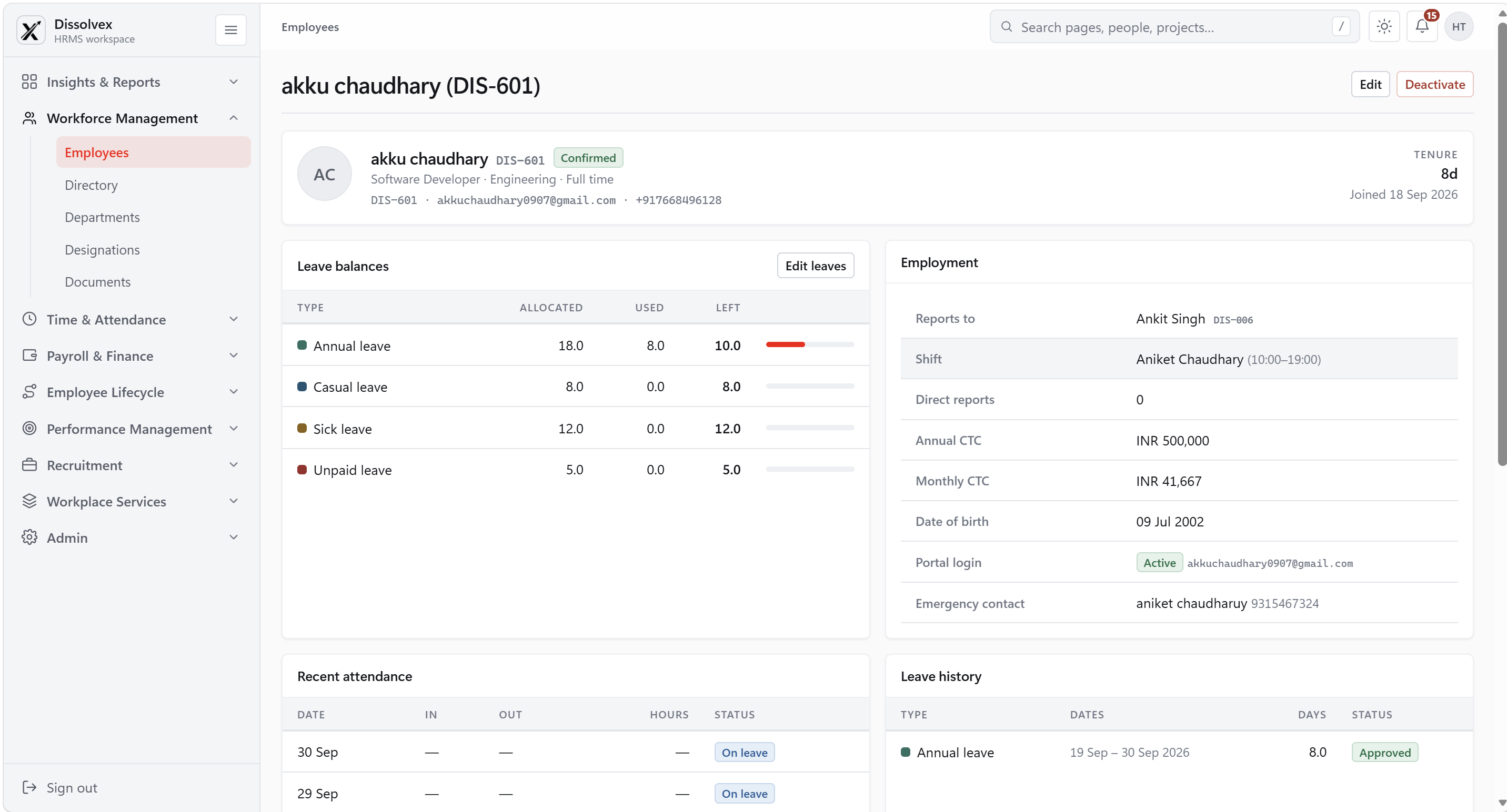
My details
Keep your contact information and work profile current. Review your reporting line and find the records connected to your employment.
03/ 11 Employee
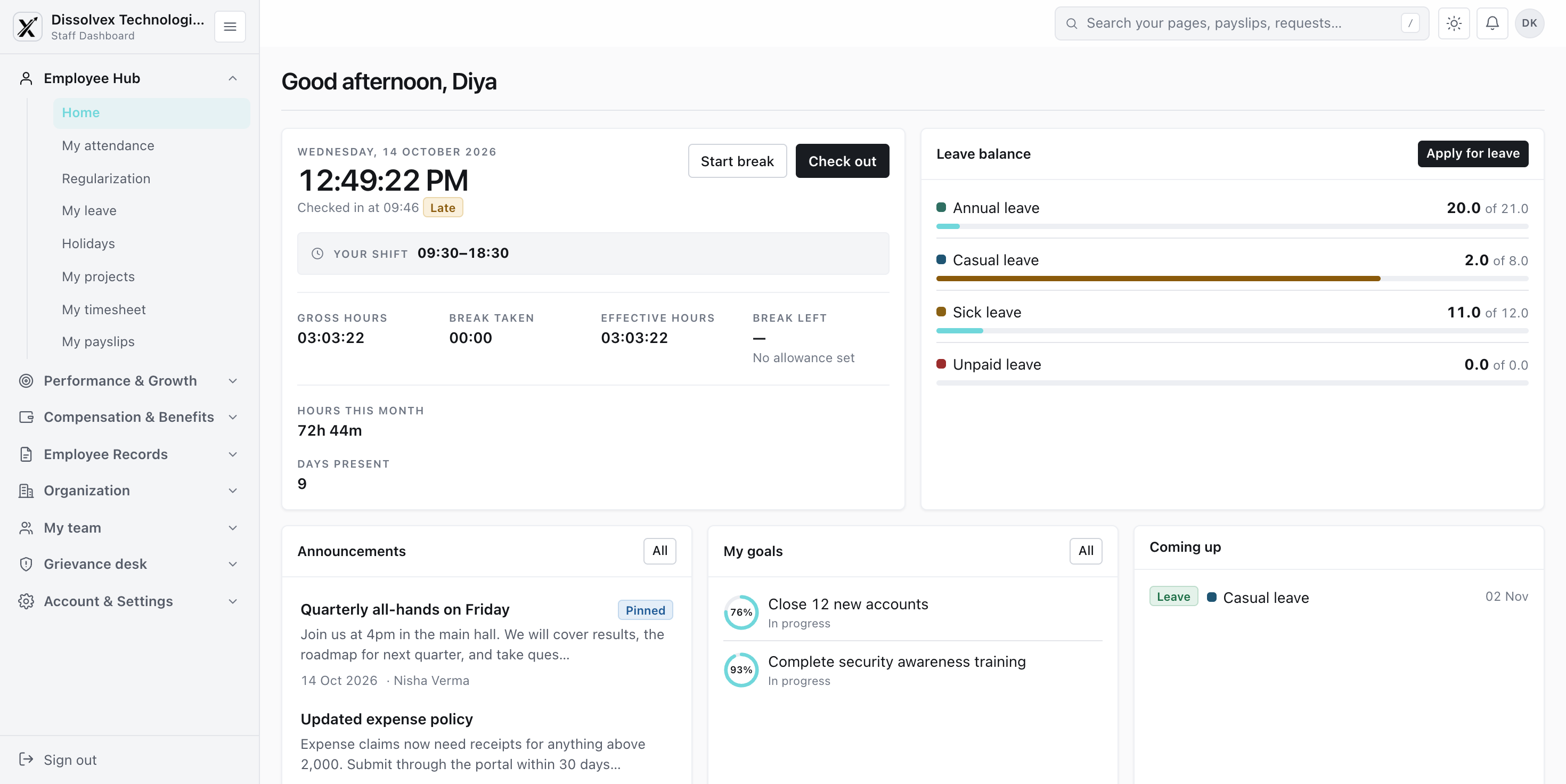
My workday
Start with the work that needs your attention. Check open requests, catch up on team updates, and decide what to do next.
04/ 11 Employee
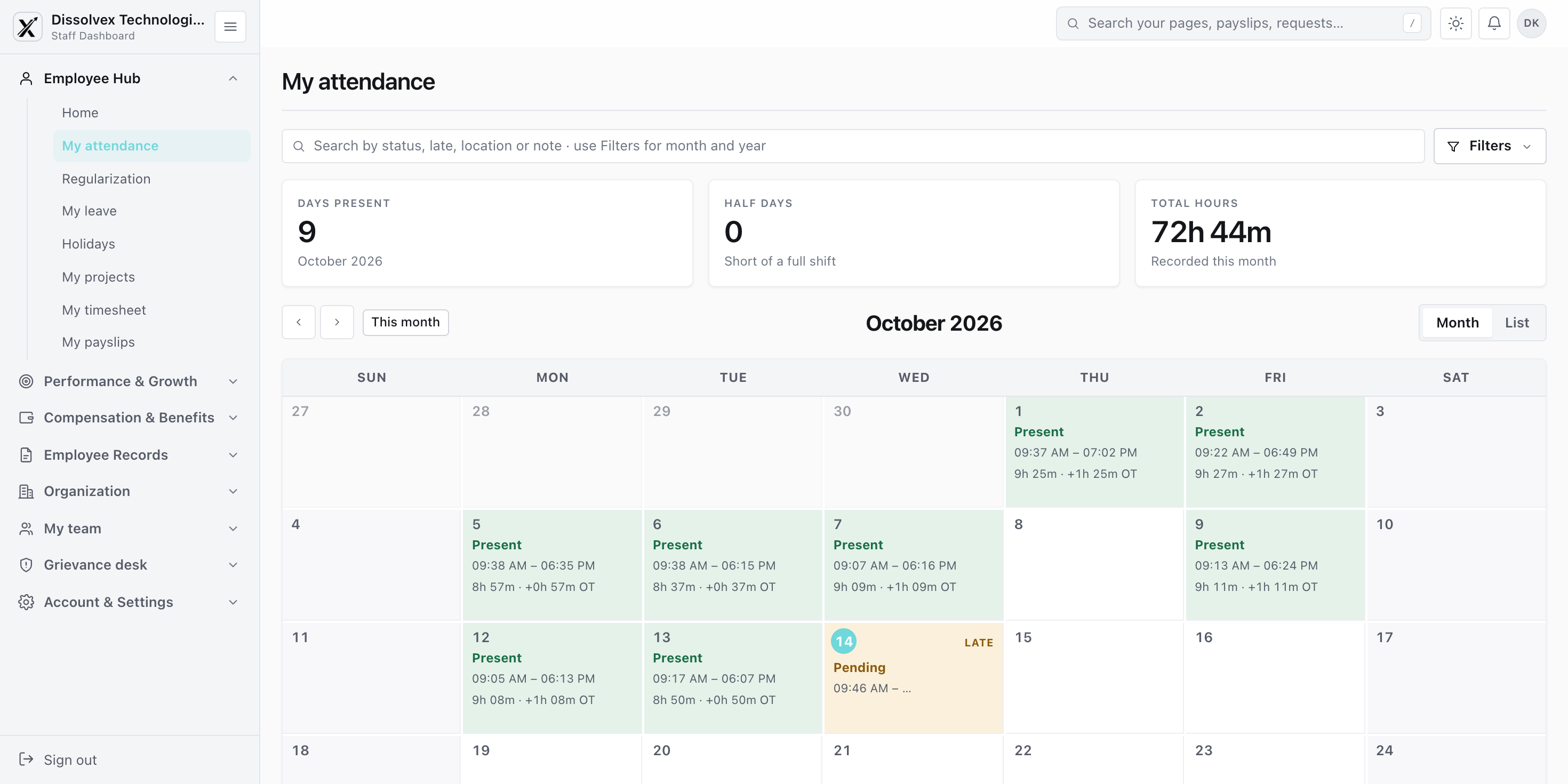
Working hours
Review your recorded arrival and departure times. Explain incomplete entries so your manager can assess any correction.
05/ 11 Employee
Time away
Plan an absence with a clear view of your balance and request status. Give colleagues enough notice to arrange cover.
06/ 11 Employee
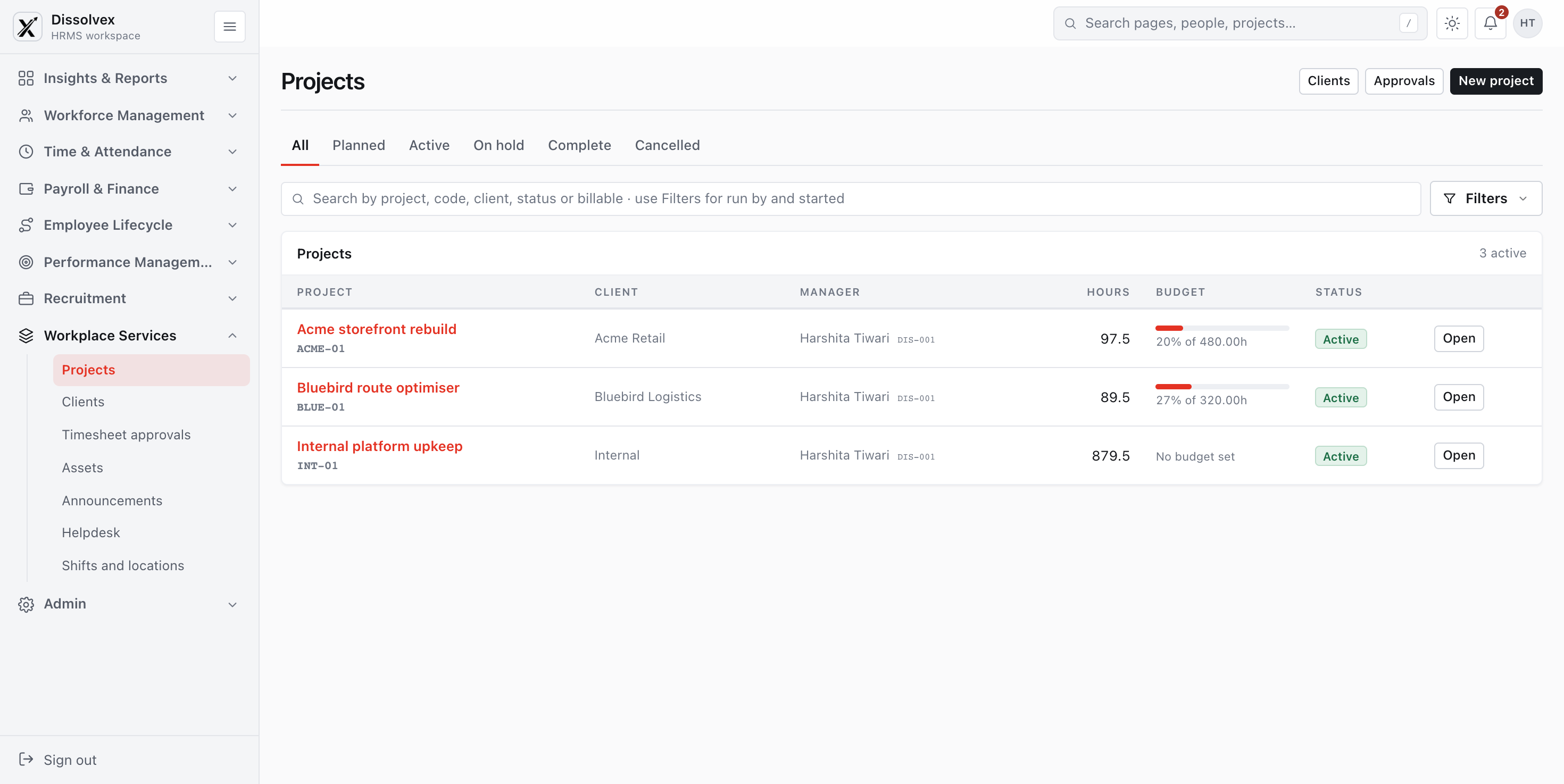
Project time
Record the work behind each project. Review daily entries before submitting so hours and task descriptions tell the same story.
07/ 11 Employee
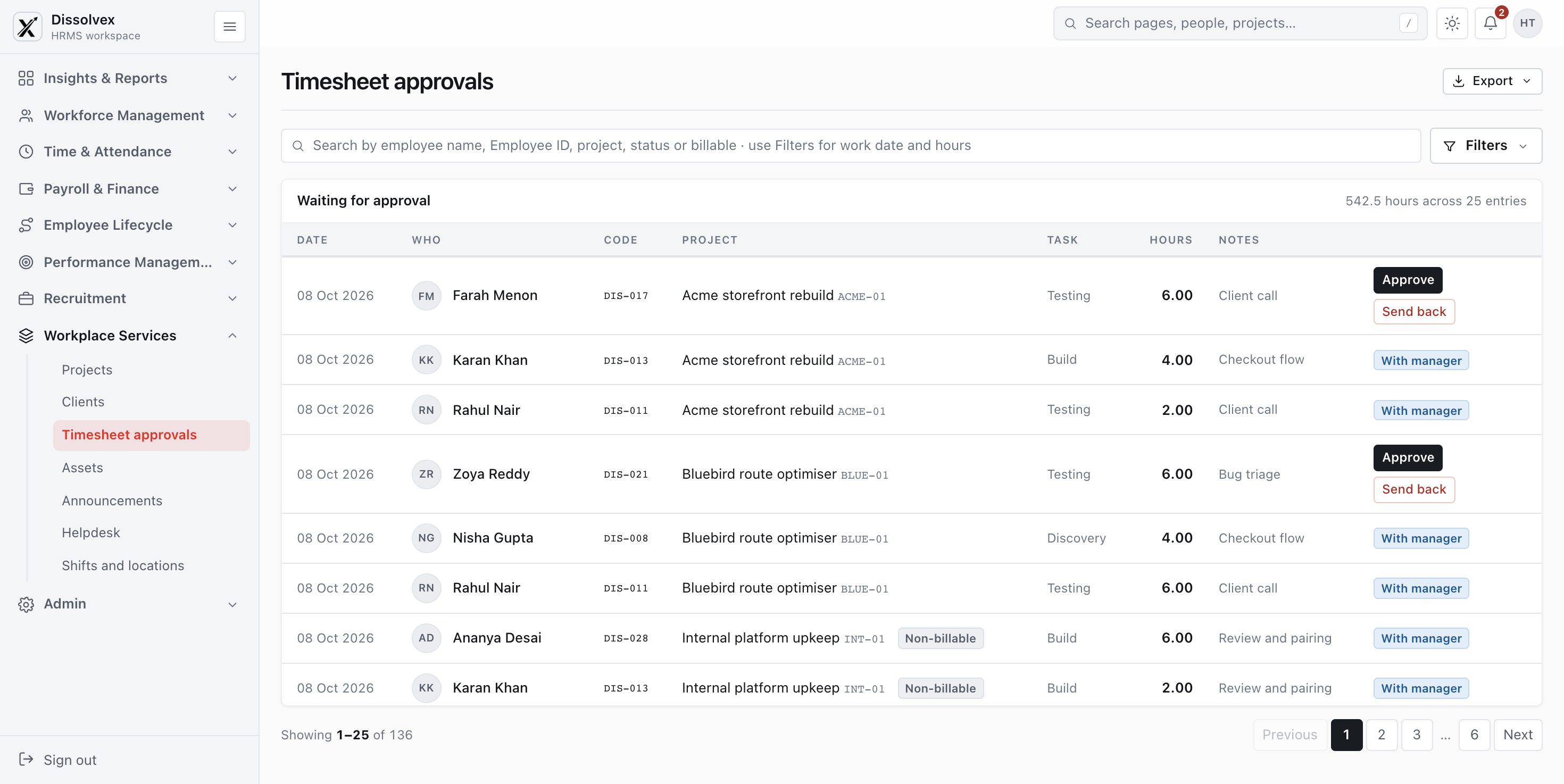
Decision queue
Review each request with its supporting details. Separate items you submitted from decisions that need your attention.
08/ 11 Employee
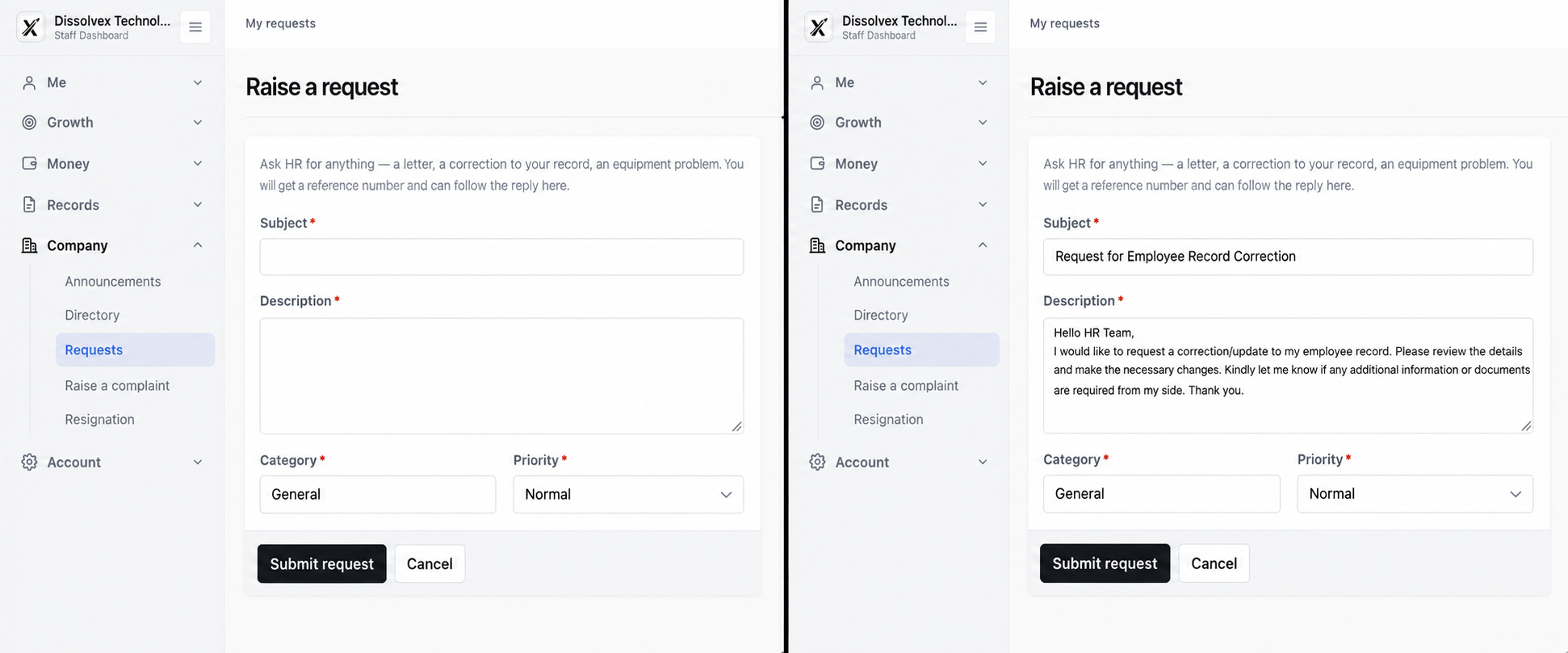
Ask HR
Send a workplace question to the responsible team. Keep the explanation and follow-up together so you can track the response.
09/ 11 Employee
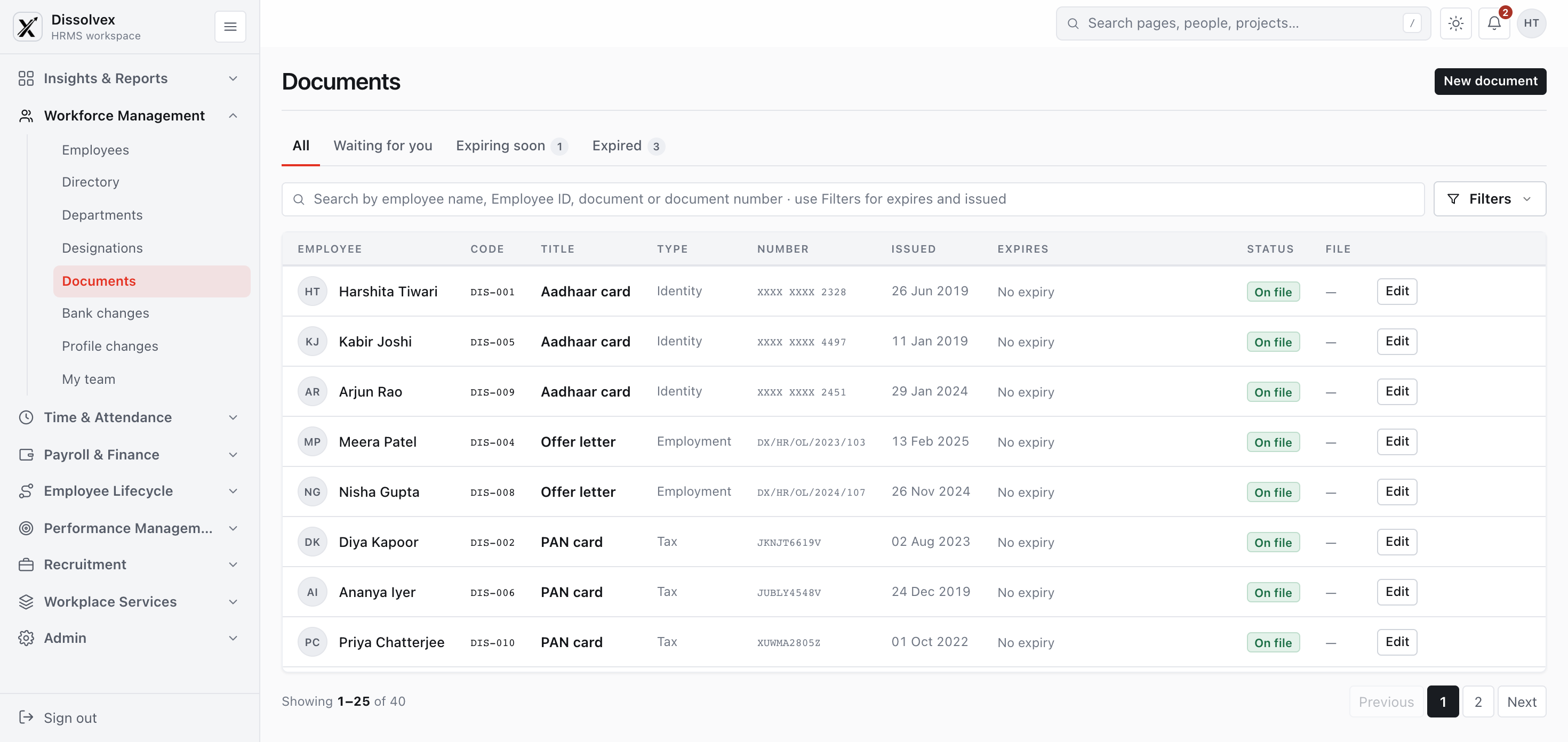
Document shelf
Find the policies and personal documents needed for work. Check the revision and ownership details before using a file.
10/ 11 Employee
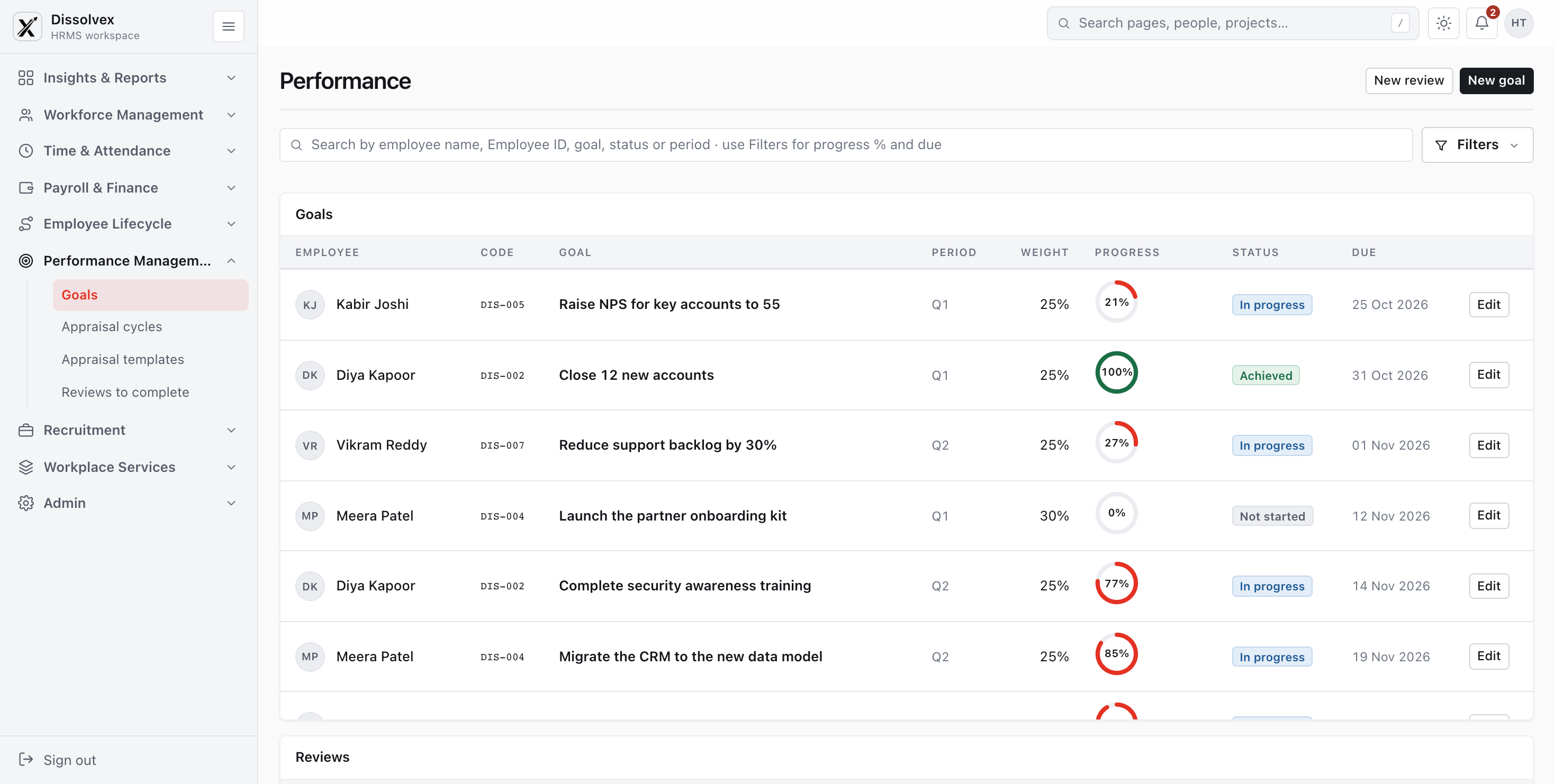
Growth conversations
Bring goals, progress notes, and feedback into your review. Use specific examples to agree on practical development steps.
11/ 11 Employee
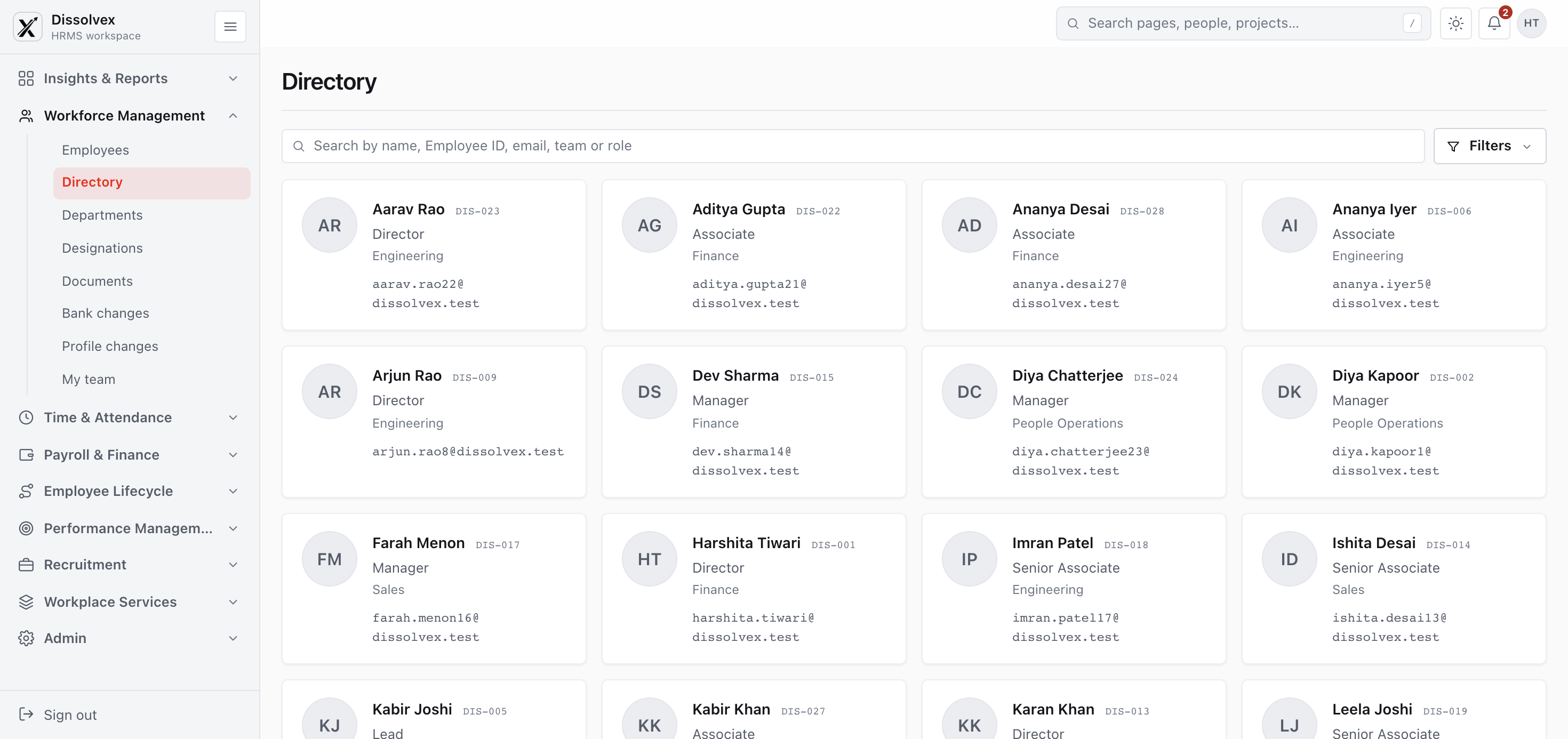
People directory
Find a colleague by team and understand reporting relationships. Use the directory to locate the right person for a workplace question.
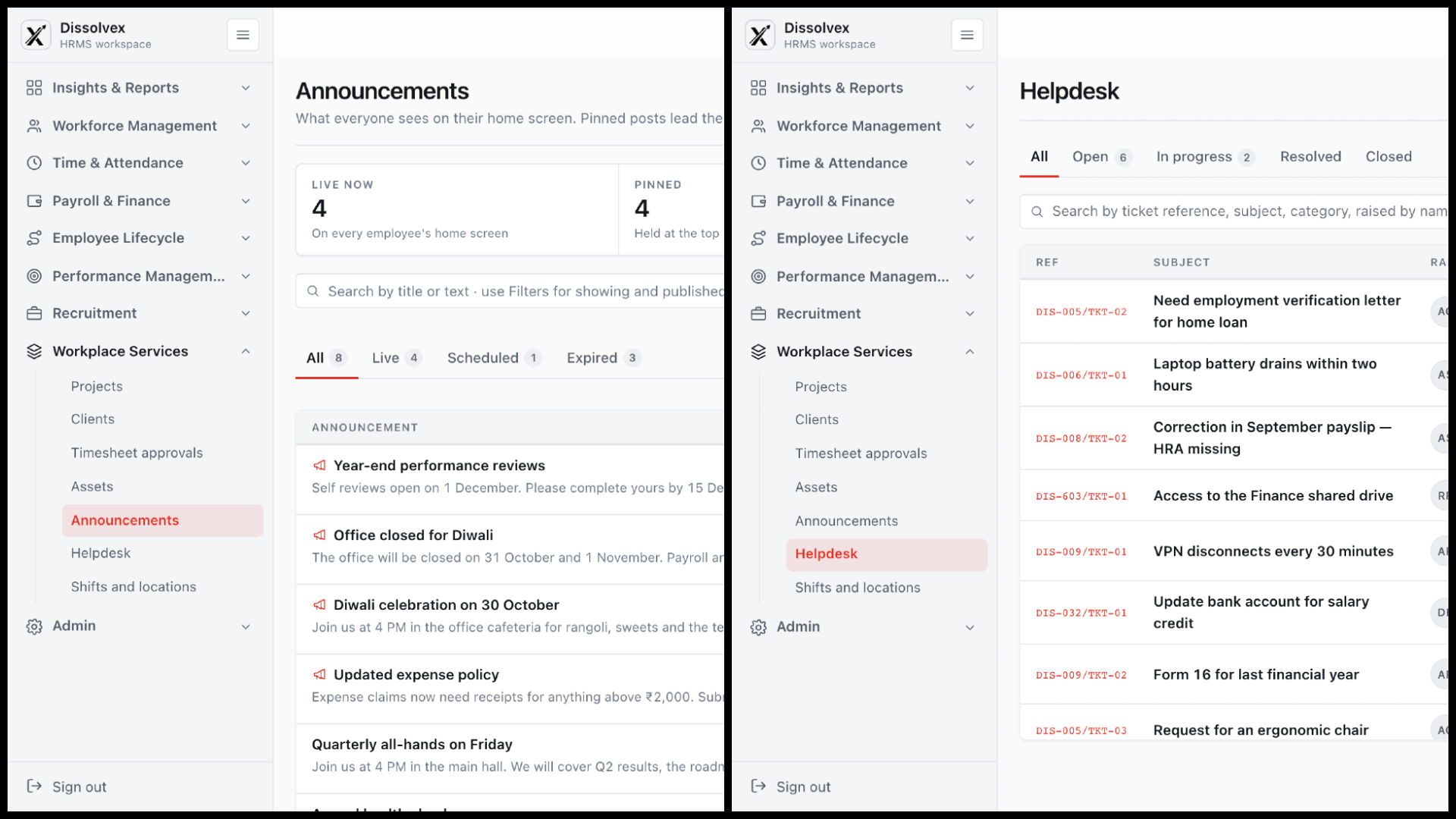
Administrator Set up your workspace and keep people records reliable.
6 governance modules01/ 6 Administrator
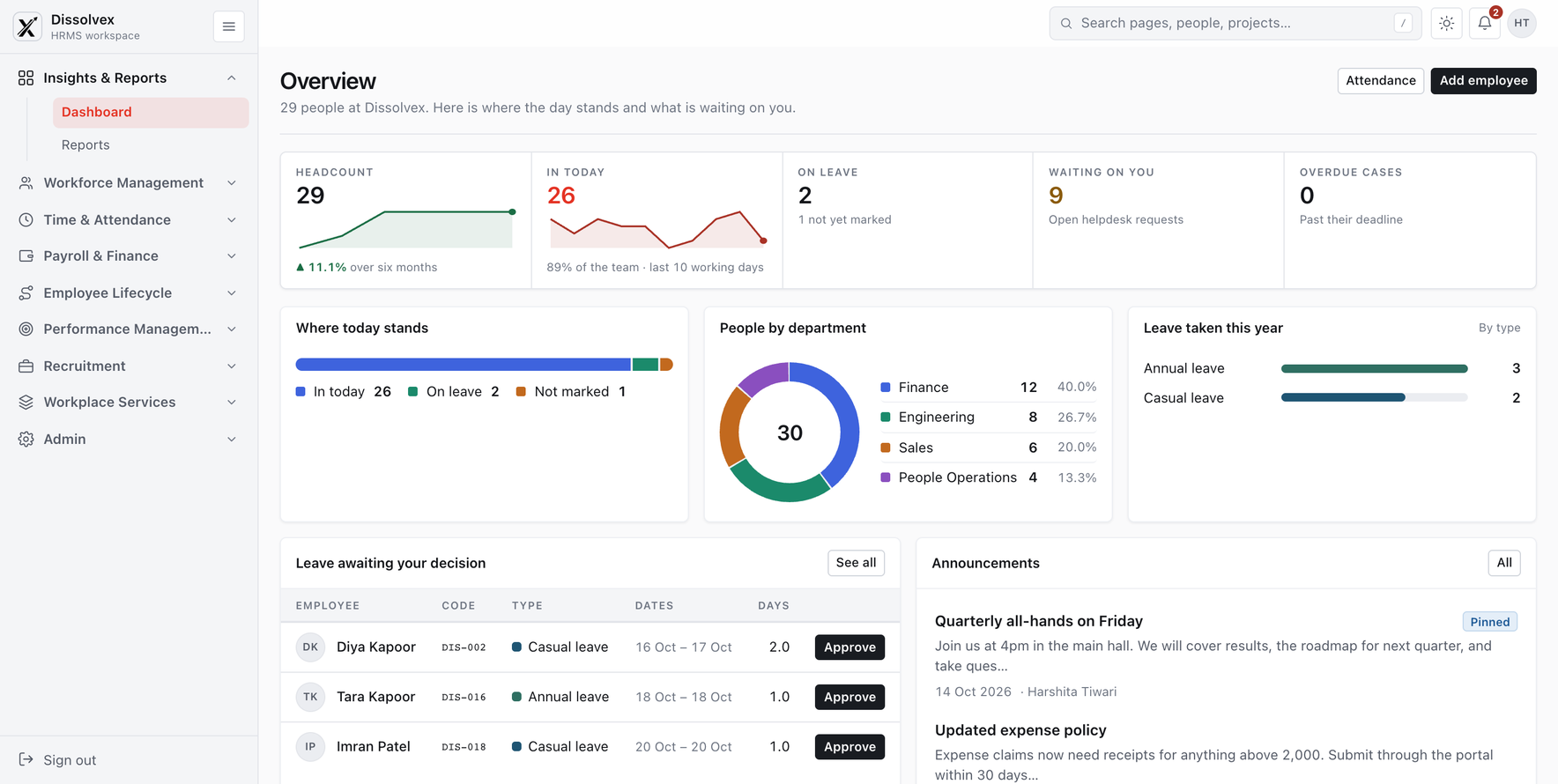
Workforce overview
Look for changes worth investigating in workforce summaries. Check the period and source records before drawing conclusions.
02/ 6 Administrator
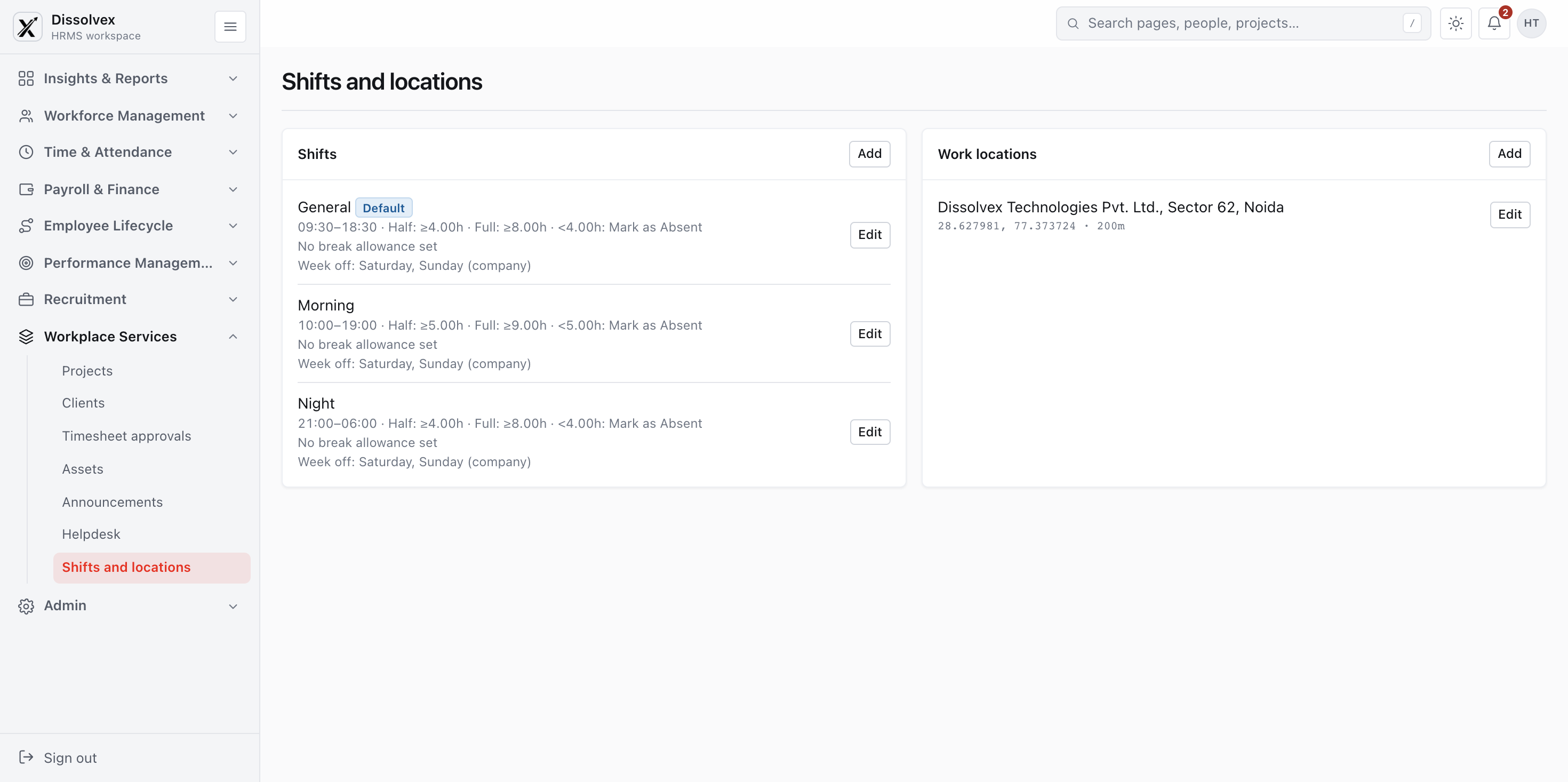
Workspace setup
Define the teams, locations, and reporting structure behind your HR records. Review these settings as your organization changes.
03/ 6 Administrator
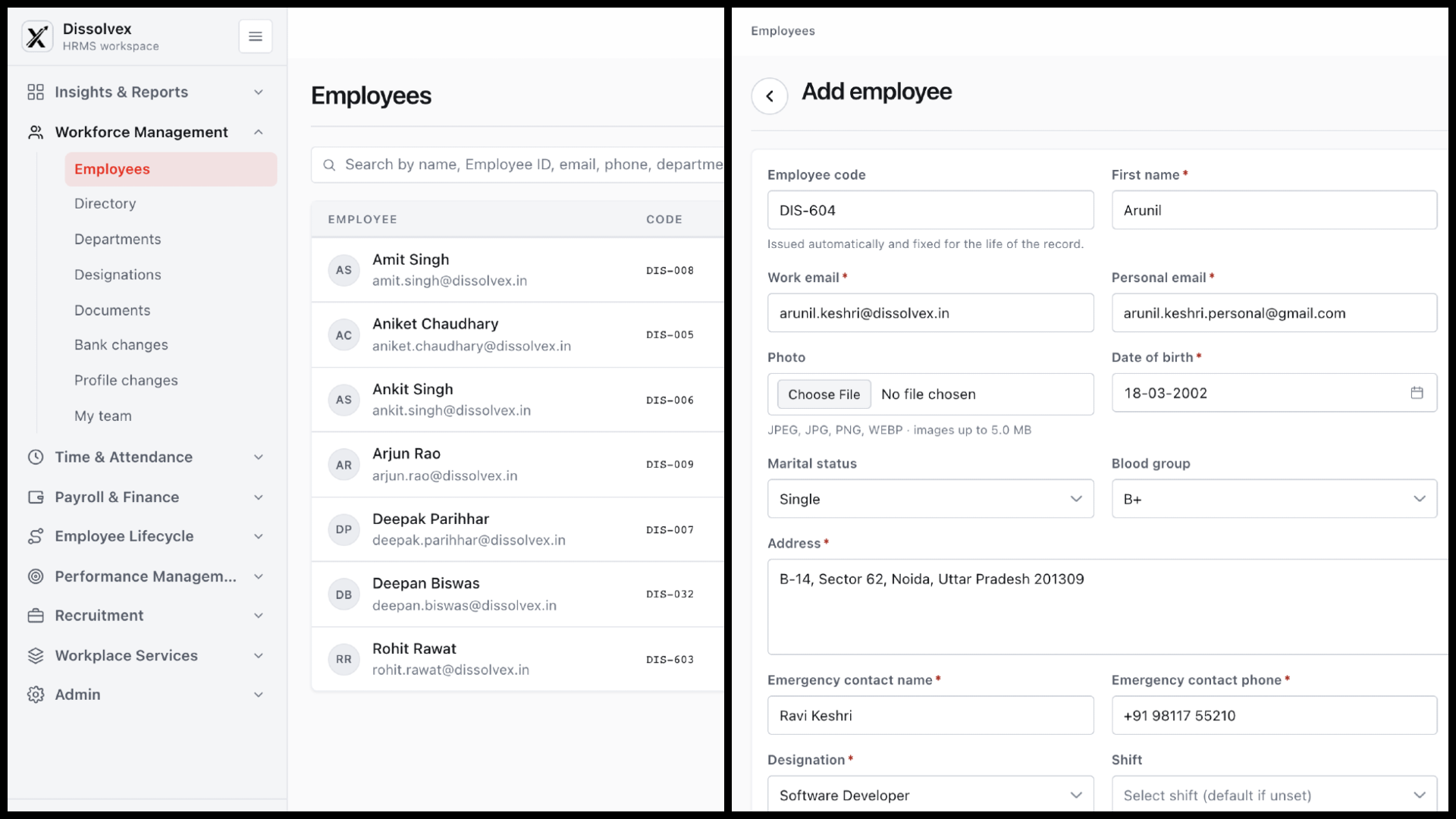
Employee registration
Browse employee records and add a colleague with their contact details, employment information, and emergency contact.
04/ 6 Administrator
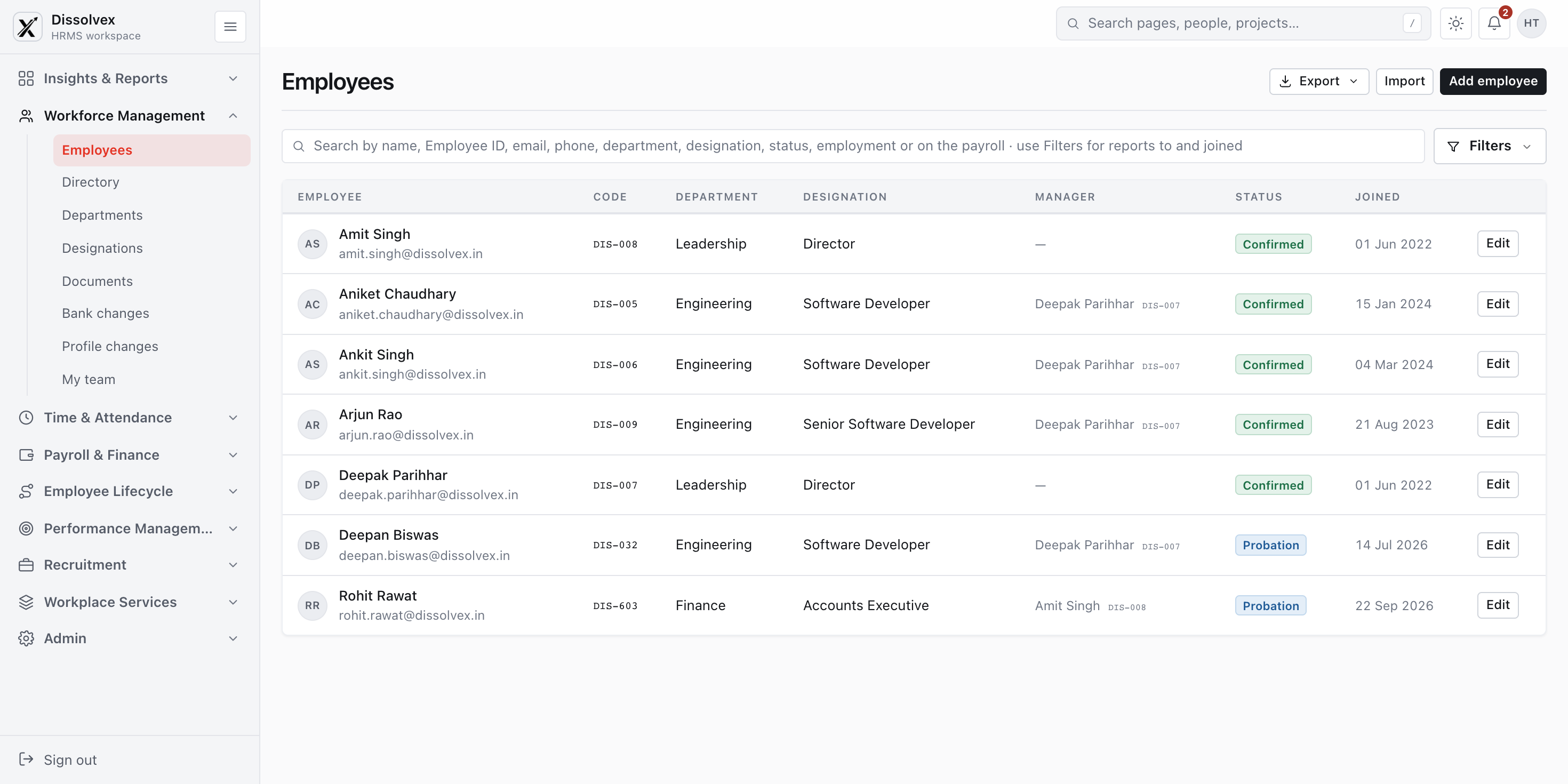
Employee records
Create a reliable record for each new colleague. Keep employment details and account status aligned throughout their time with you.
05/ 6 Administrator
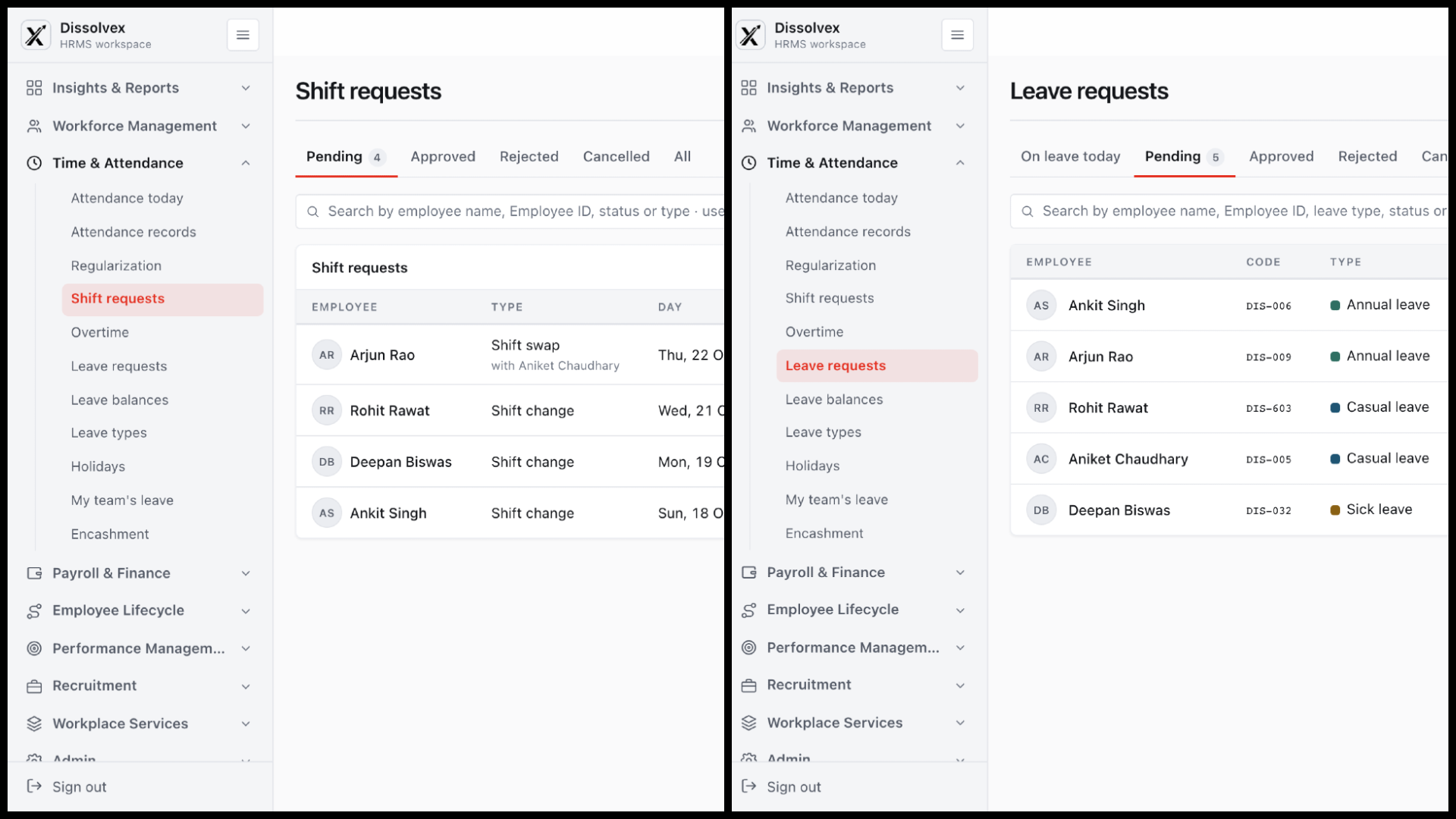
Shift and leave requests
Review shift changes and leave requests together. Check the employee, request type, and status before taking the next action.
06/ 6 Administrator
Announcements and helpdesk
Keep workplace announcements organized and follow employee support tickets from an open request through resolution.