Capture every client hour, streamline weekly manager approvals, monitor team capacity, and turn logged work into audit-ready project invoices.
Whether your teams prefer live digital timers, weekly calendar grids, or quick bulk logging, give them effortless tools to record accurate time in seconds.
Log active client tasks with instant start-stop stopwatches or rapid weekly summaries.
Enforce clean billing cycles with automatic lockouts and polite reminder nudges.
Approved PTO and regional company holidays pre-populate automatically to prevent double-booking.
| Employees | Sun 21 | Mon 22 | Tue 23 | Wed 24 | Thu 25 | Fri 26 | Sat 27 |
|---|---|---|---|---|---|---|---|
|
VS
Vignesh Sharma
Tech Lead • Core API
|
Weekend | API Architecture09:30 - 01:30 (4h) |
Code Review10:00 - 01:00 (3h) |
Sprint Planning02:00 - 05:00 (3h) |
Prod Release11:00 - 04:00 (5h) |
Retrospective03:00 - 05:00 (2h) |
Weekend |
|
PP
Priya Patel
Product Designer
|
Weekend | Design System10:00 - 02:00 (4h) |
App Wireframes11:00 - 04:00 (5h) |
User Testing01:00 - 04:00 (3h) |
Design Handoff10:30 - 02:30 (4h) |
Iconography02:00 - 05:00 (3h) |
Weekend |
|
AD
Aditi Deshmukh
Frontend Specialist
|
Weekend | Leave (AL) |
Component Build10:00 - 03:00 (5h) |
Timesheet Table09:30 - 01:30 (4h) |
Form Validation11:00 - 03:00 (4h) |
Bug Fixes02:00 - 06:00 (4h) |
Weekend |
|
RG
Rohan Gupta
QA Lead • Automation
|
Weekend | Regression Suite09:30 - 01:30 (4h) |
Load Testing02:00 - 05:00 (3h) |
Cypress E2E10:00 - 03:00 (5h) |
Security Scan01:00 - 04:00 (3h) |
Release Sign-off11:00 - 02:00 (3h) |
Weekend |
Keep client deliverables profitable and transparent. Map squad members to specific deliverables, differentiate billable hours from internal overhead, and maintain clear audit trails.
Define client-specific hourly billing cards across roles, seniority tiers, and currencies.
Easily distinguish client project hours from internal admin, training, or R&D efforts.
Attach documentation and Jira/GitHub tickets directly for clear client invoice substantiation.
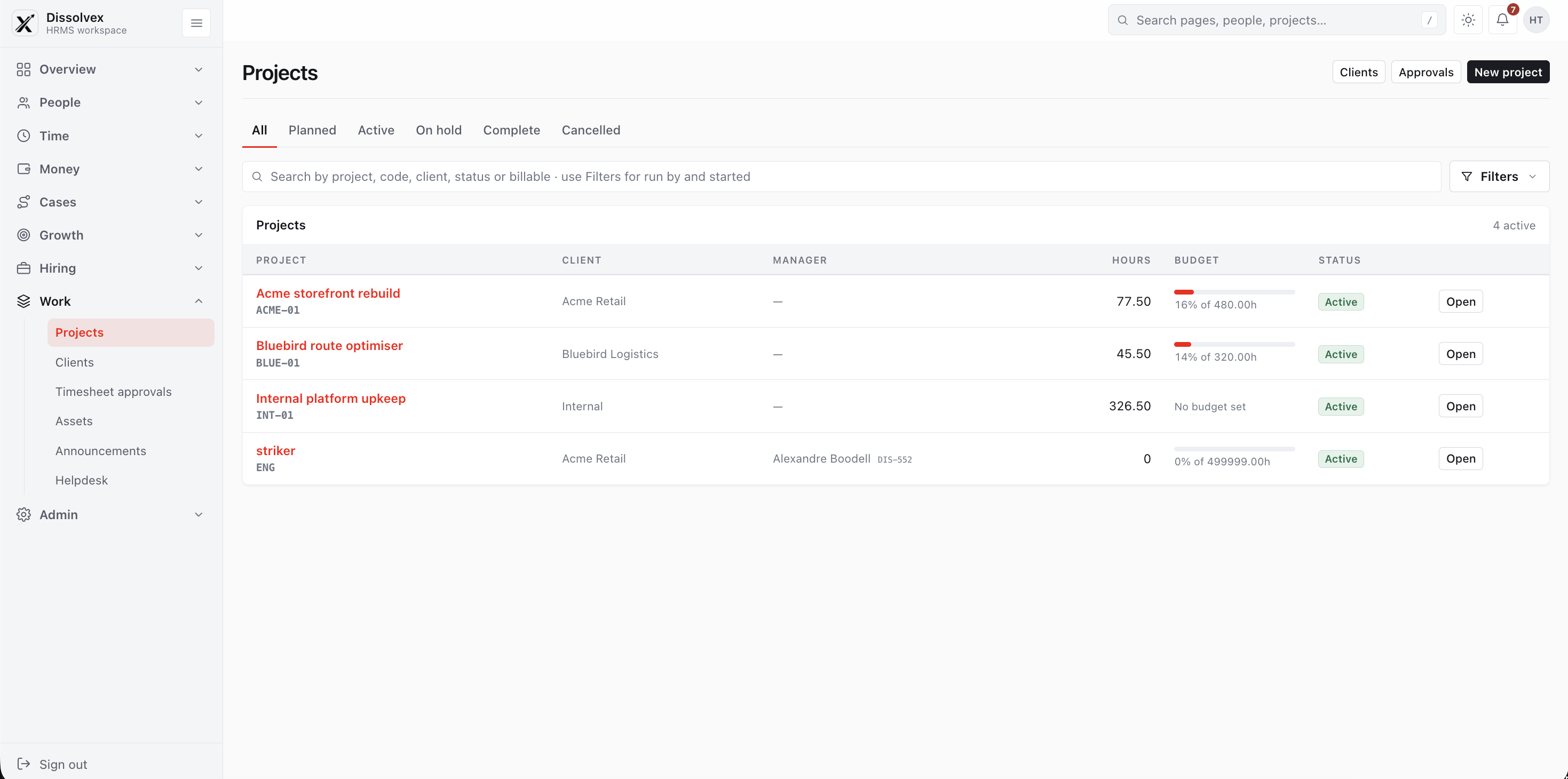
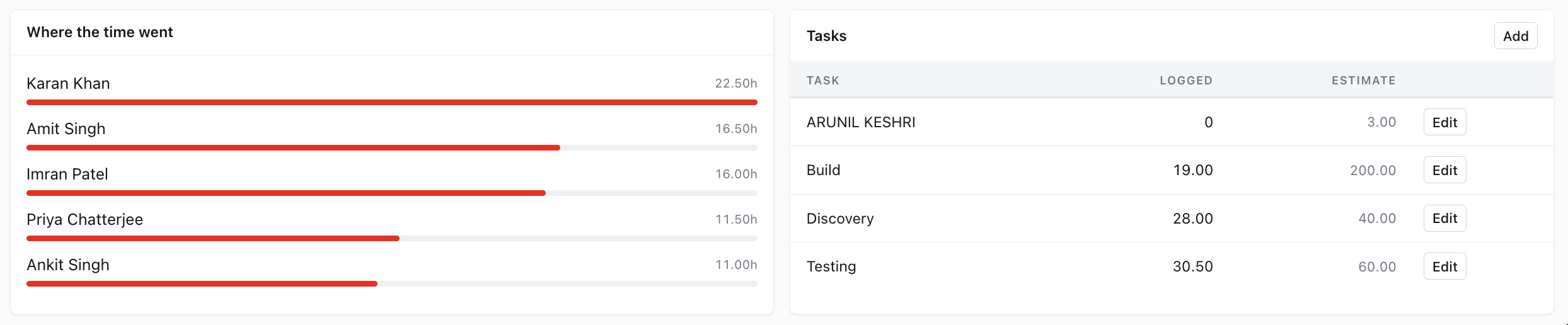
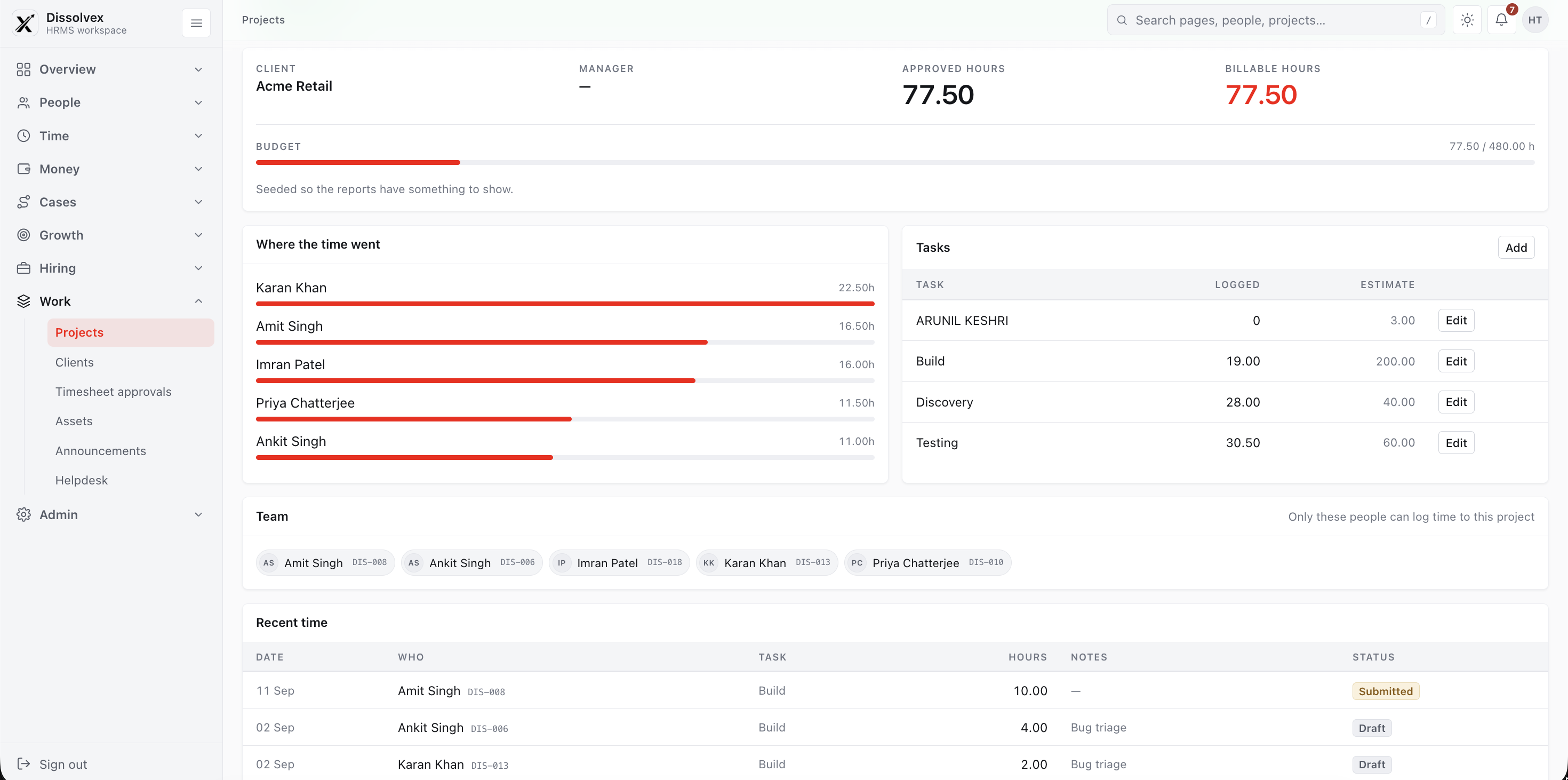
Give project managers instant visibility into work progress, sprint velocity, burned budgets, and contributor allocations across every active client engagement.
Turn daily logs into actionable operational clarity. Compare estimated hours against actual time spent, balance squad capacity, and prevent burnout before sprint deliveries slip.
Compare planned estimates against actual execution hours to keep project margins protected.
Detect squad overwork early and distribute workloads evenly across project teams.
Download branded PDF, Excel, and CSV timesheet summaries in one click for billing.
Configure pay periods for different client locations and define pay schedules (weekly, bi-weekly, monthly) to ensure employees receive timely compensation for the exact hours worked without payroll reconciliation delays.
Seamlessly export or sync timesheets into billing, accounting, and ERP systems to generate error-free invoices and approve billing statements for your clients on time without billing disputes.
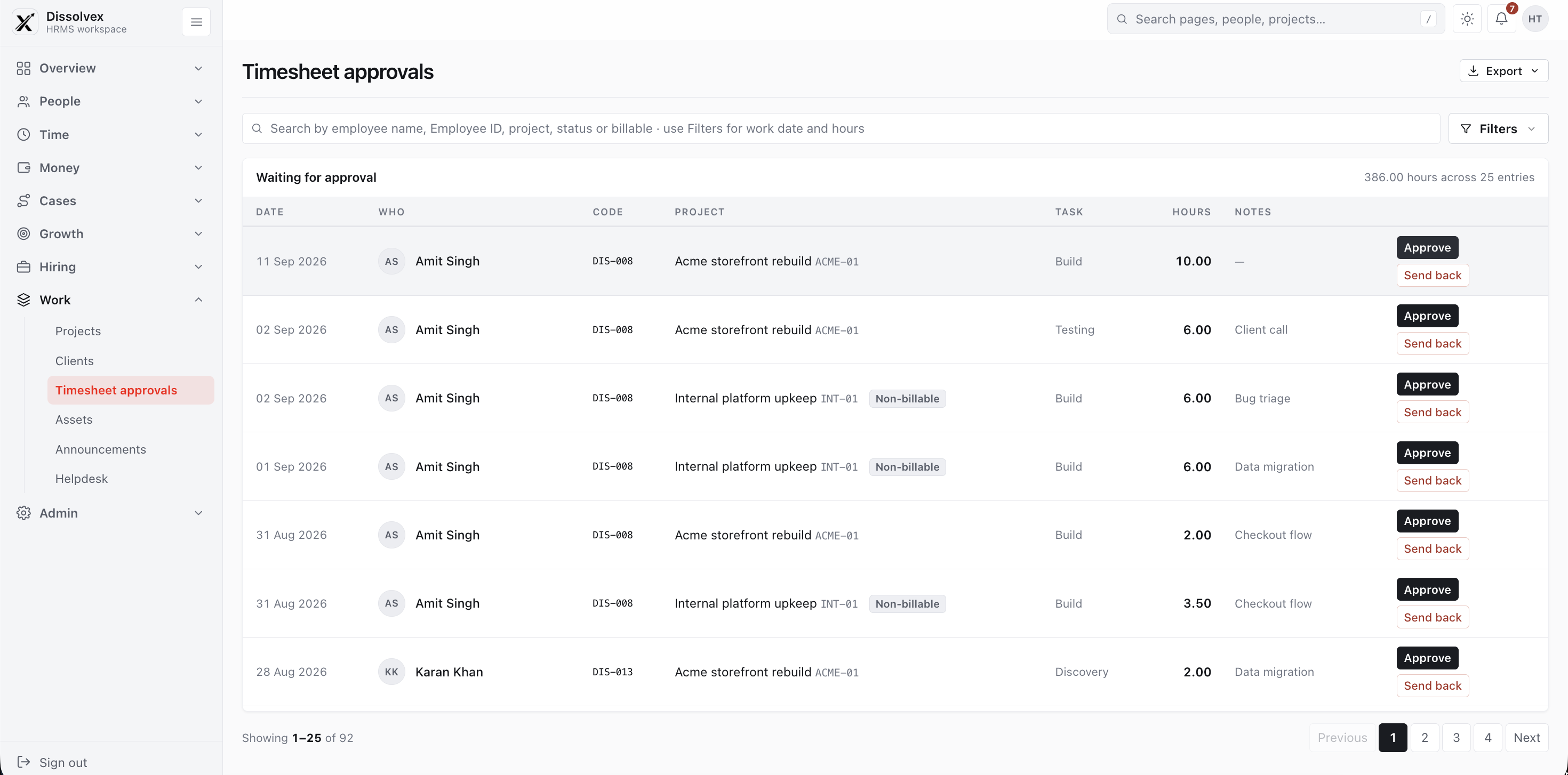
With automated timesheet schedulers, route timesheets to project managers and department heads for 1-click approval on a monthly, weekly, or daily basis with line-item comment threads.
Common questions and answers regarding Timesheets & Project Time Tracking in dissolveX HRMS.
An online employee timesheet system is a digital cloud platform that allows employees to track and submit work hours spent on specific client accounts, deliverables, and internal tasks. It automates managerial review, tracks project budgets, and ensures timely client invoicing.
Timesheet software provides real-time visibility into estimated versus actual logged hours, ensuring teams never exceed planned budgets without warning. It guarantees that every billable minute is invoiced accurately to clients, preventing revenue leakage.
When creating projects and jobs, admins and project managers can mark tasks as billable or non-billable with specific hourly rate cards. When team members log time, hours automatically segregate into invoice-ready amounts and internal operational overhead.
Approved timesheets sync seamlessly with attendance punches and payroll schedules, allowing companies with hourly or shift-based workers to calculate accurate payouts, overtime allowances, and loss of pay adjustments without manual spreadsheets.
Yes. You can enforce automated timesheet locks (e.g. every Monday by 10:00 AM IST) that restrict late submissions. Once a project manager approves a timesheet, it is cryptographically locked against post-facto edits to protect financial integrity.
Eliminate missed billable hours and speed up client invoicing with intuitive project time tracking.
| Project | Logged Days | Total |
|---|---|---|
|
Website Redesign
Client Billable
|
Mon 8h
Tue 8h
Wed 6h
|
22.0h |
|
Mobile App Dev
Client Billable
|
Wed 2h
Thu 8h
Fri 8h
|
18.0h |
|
Client Sync & Review
Internal / Account
|
Tue 2h
Thu 1h
|
3.0h |